Sonnox
To install your softwareSonnox, here are the steps to follow:
Visit the Sonnox website:https://www.sonnox.com/
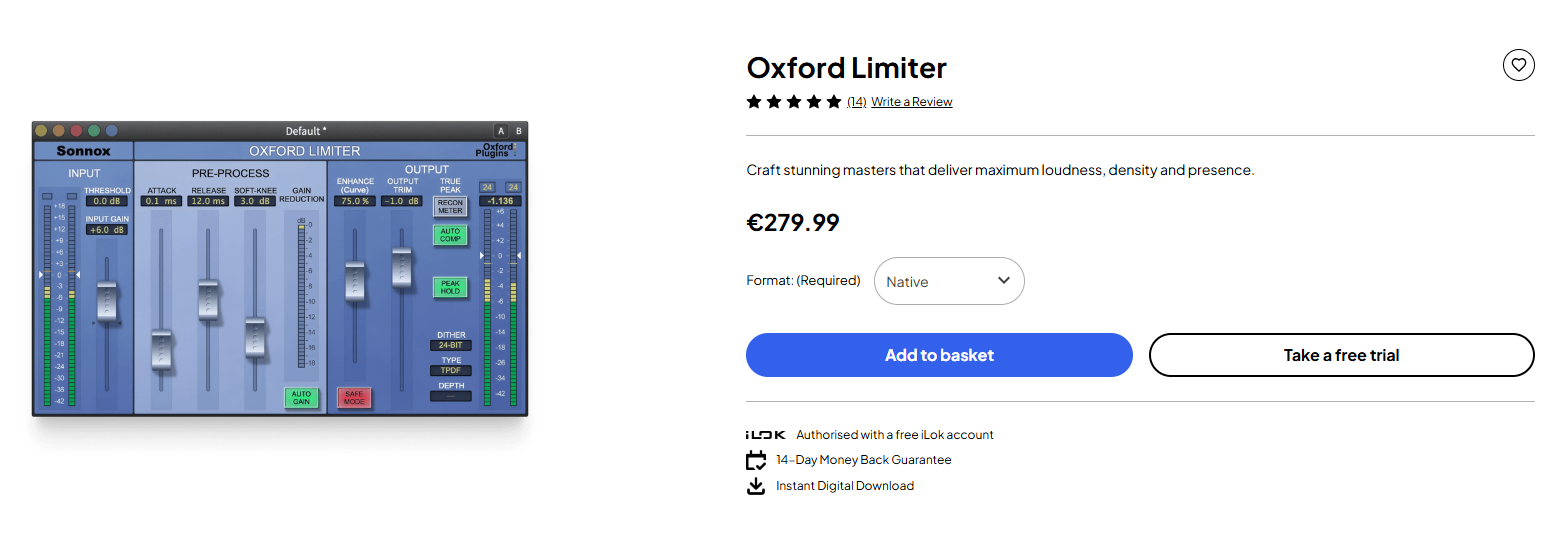
Go to the Products section: On the Products tab, select the desired software and clickTake a free trial.
Configure iLok: If you do not yet have an iLok key, you will need to get one and save it onThe iLok website.
Install the software:
- On Windows:
- Run the downloaded .exe file.
- Follow the on-screen instructions to complete the installation.
- on macOS:
- Open the downloaded .dmg file.
- Drag the software icon into the Applications folder.
- Open the Applications folder and double-click the software icon to launch it.
- On Windows:
Activation: After installation, you will need to activate the software. You will probably receive a license key by email or you can enter it into the software via the activation interface.
The update: Regularly check for available updates for your software by visiting the download section on the Sonnox website or using the update mechanism built into the software.